After 2024.5.27, How to Fix to Renew OneNote 2016 and OneNote 2013 under Windows 7 to Sign in to OneDrive.com?
2024-06-02 17:51
In Windows 7 system, you can install OneNote 2016, OneNote 2013, OneNote 2010.
In other words, under Windows 7, the maximum version of OneNote can only be up to 2016.
Starting May 27, 2024, Microsoft updates 365's data servers.
For Windows 7, OneNote, OneDrive clients can no longer sign in to 365.
Or:
However, OneNote 2016 and OneNote 2013 still be able to sign in and open OneDrive.com notebooks on Windows 10.
In other words, under Windows 7, the maximum version of OneNote can only be up to 2016.
Starting May 27, 2024, Microsoft updates 365's data servers.
For Windows 7, OneNote, OneDrive clients can no longer sign in to 365.
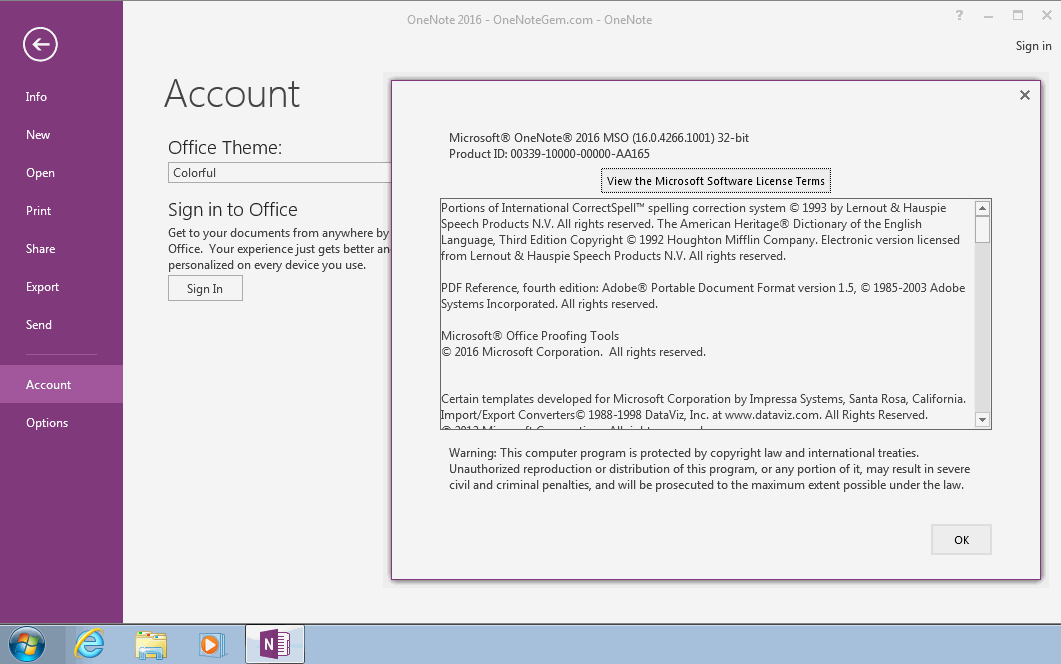
OneNote 2016 won't log in in Windows 7
OneNote 2016 is able to pop up the login box, enter the username and password, and automatically close the window, but still show no login status.OneNote 2013 won't log in in Windows 7
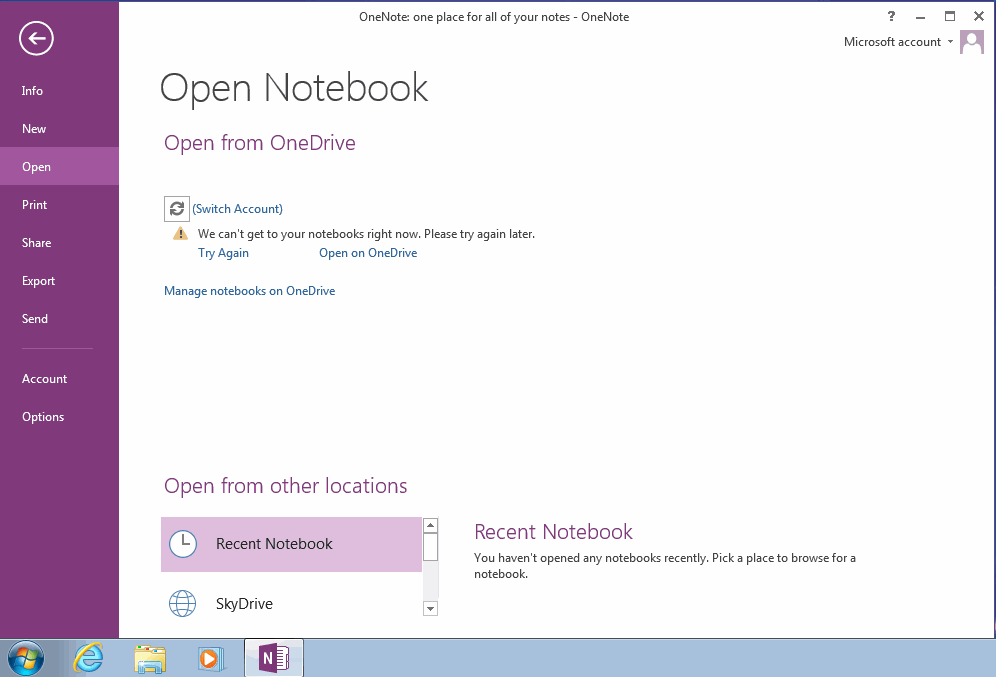
OneNote 2013 is presented as clicking Sign In, and the login box appears:Sorry, some temporary server issues.
Or:
We can’t get to your notebooks right now. Please try again later.
However, OneNote 2016 and OneNote 2013 still be able to sign in and open OneDrive.com notebooks on Windows 10.
Fixed Network Issues and Continued OneNote Login OneDrive.com
In order for OneNote 2016, 2013 to be able to log in and open OneDrive.com notebooks, the following repair tools can now to install and fix network issues.| EXE Addins | Cloud Addins | MAC Addins |
Related Documents
- Office OneNote v2606, v2607 freezes when switching to normal pen drawing, and the drawn shapes will appear after respond
- OneNote v2604 Changed the Copy function Ctrl+C from Image format to Plain Text Format
- How to setup the Quick Notes section of OneNote?
- How to fix the OneNote notebook pane fills the entire window and flickering when Collapse Sidebar?
- 2026.3.20 OneNote cannot login today: It doesn't look like you're connected to the Internet. 0x800704cf [Fixed]

