How to Clear all Data on Android OneNote?
2026-09-15 06:29
Note: Android OneNote does not have data wiping itself; data wiping is a function of the phone system, so we can use this to clear data from Android OneNote.
The specific steps are as follows:
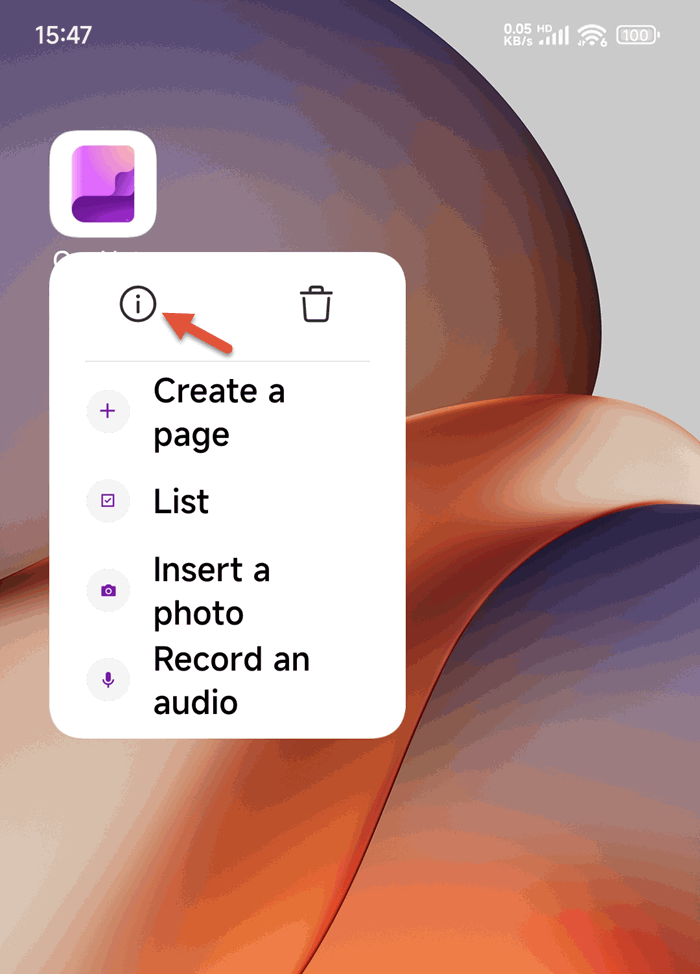
1. At first, long-pressing on OneNote Android icon on desk, and it will pop up a UI. Tap its app information (or the icon shows "!"). ”)
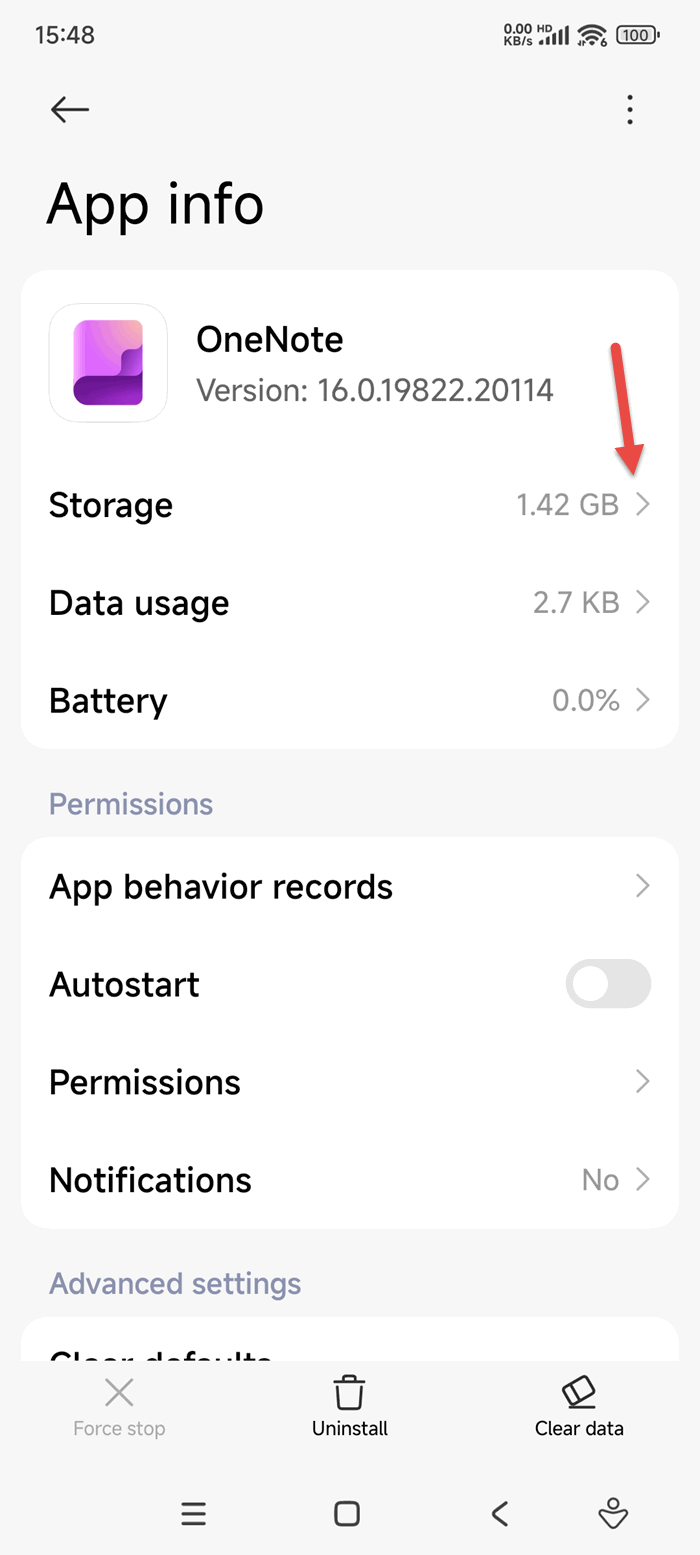
2. Then it enter an app information interface, find Storage item, and click it.
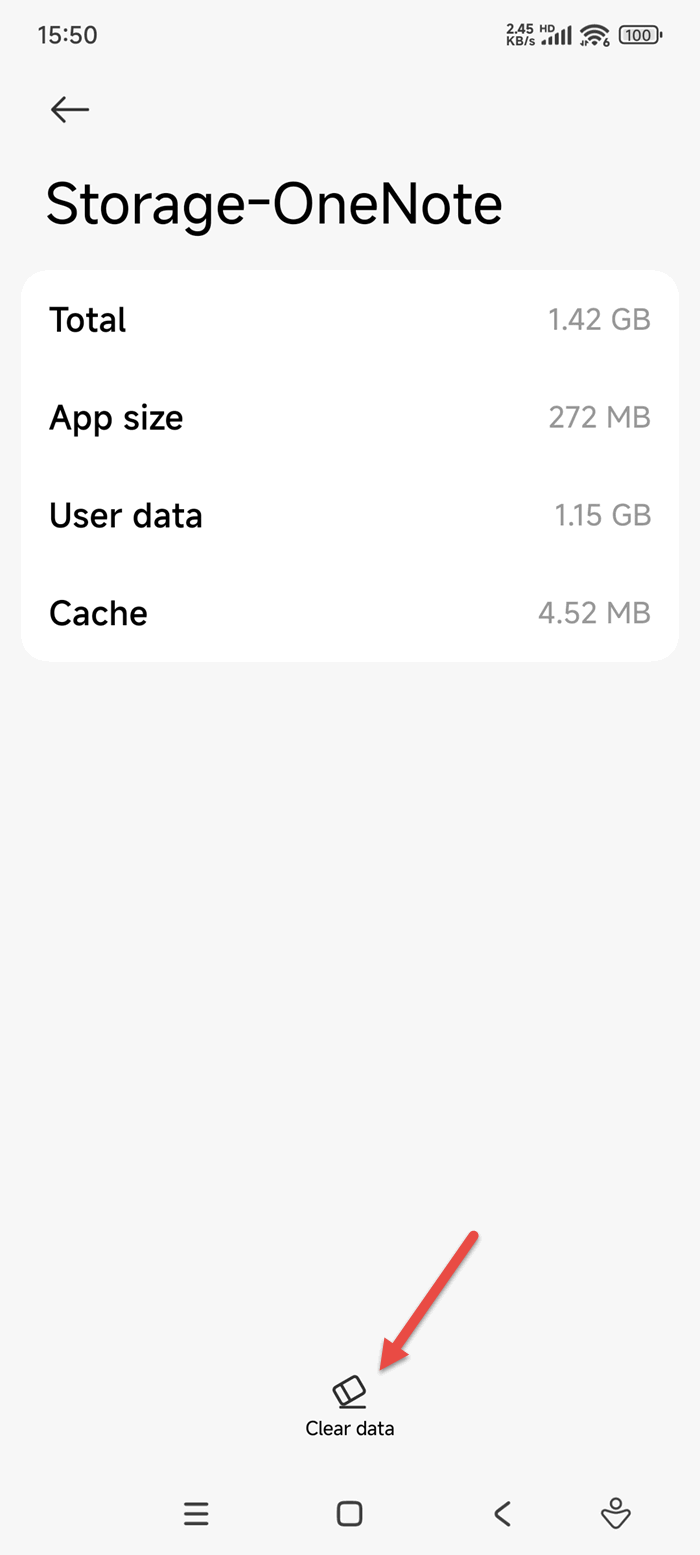
3. After entering the Storage usage interface, find the "Clear Data" button bottom of the screen, click it to clear all OneNote data.