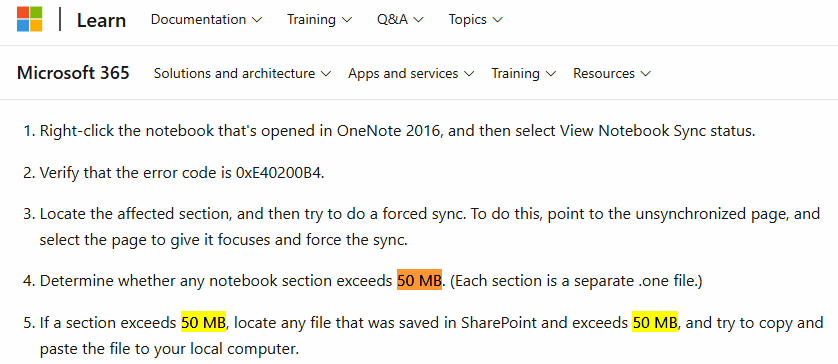
Error Statement on the Microsoft Learn Website:
When a section .one file is larger than 50 MB in size, the OneNote shared notebook sync window reports a 0xE40200B4 sync error.
Confirm Error
-
Opens OneNote's Shared Notebook Synchronization Notebook window.
-
Check error code: 0xE40200B4
Solution
-
Locate the affected section, and then try to do a forced sync. To do this, point to the unsynchronized page, and select the page to give it focuses and force the sync.
-
Determine whether any notebook section exceeds 50 MB. (Each section is a separate .one file.)
-
If the section size is more than 50 MB, you can try splitting the section.