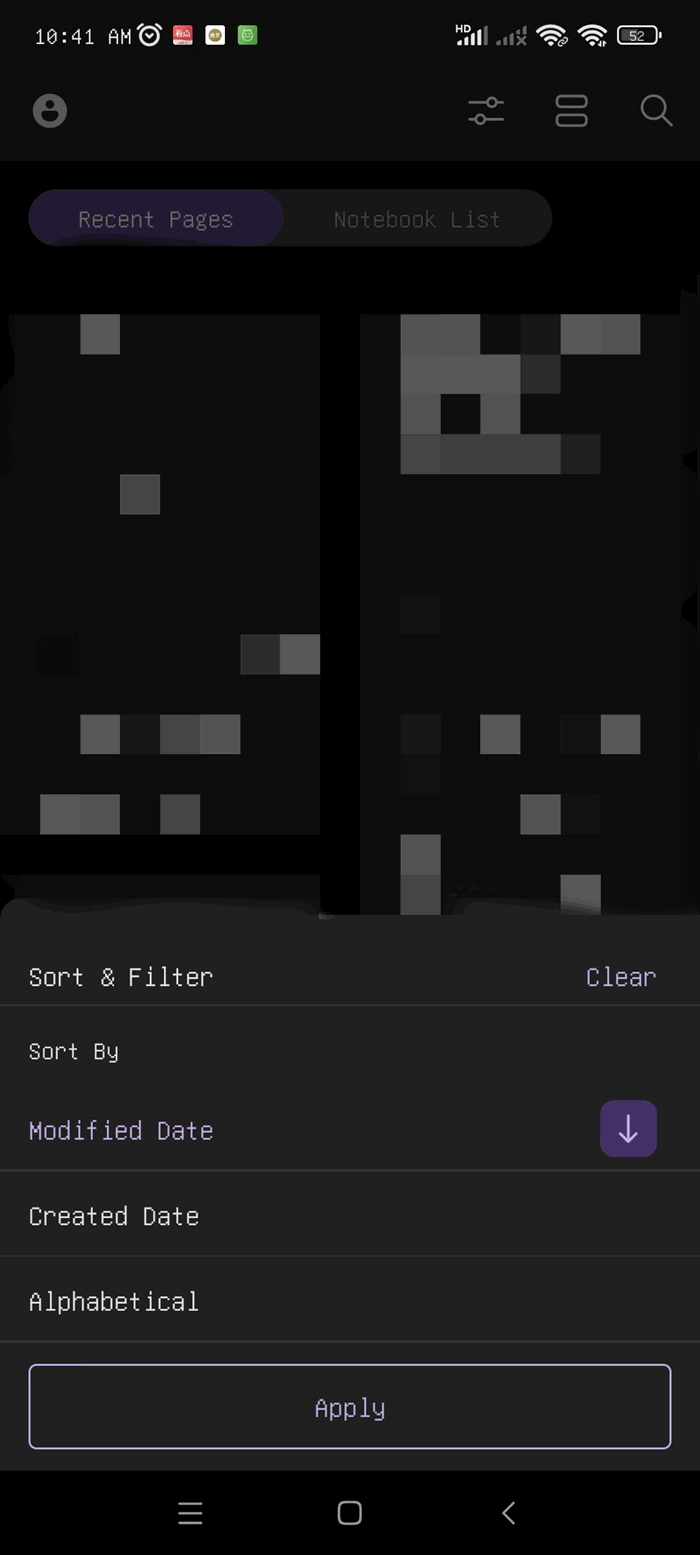
How to Sort the List of Recent Pages on the Android OneNote Home Screen?
On the Android OneNote Home screen, a bunch of recently opened notes and pages are mixed together. The order is messy, and it takes a long time to scroll to find the note you just edited. That's why sorting is needed.
Recent Pages support one-tap sorting:
Steps:
1. In the Recent Pages, find the Sort button.
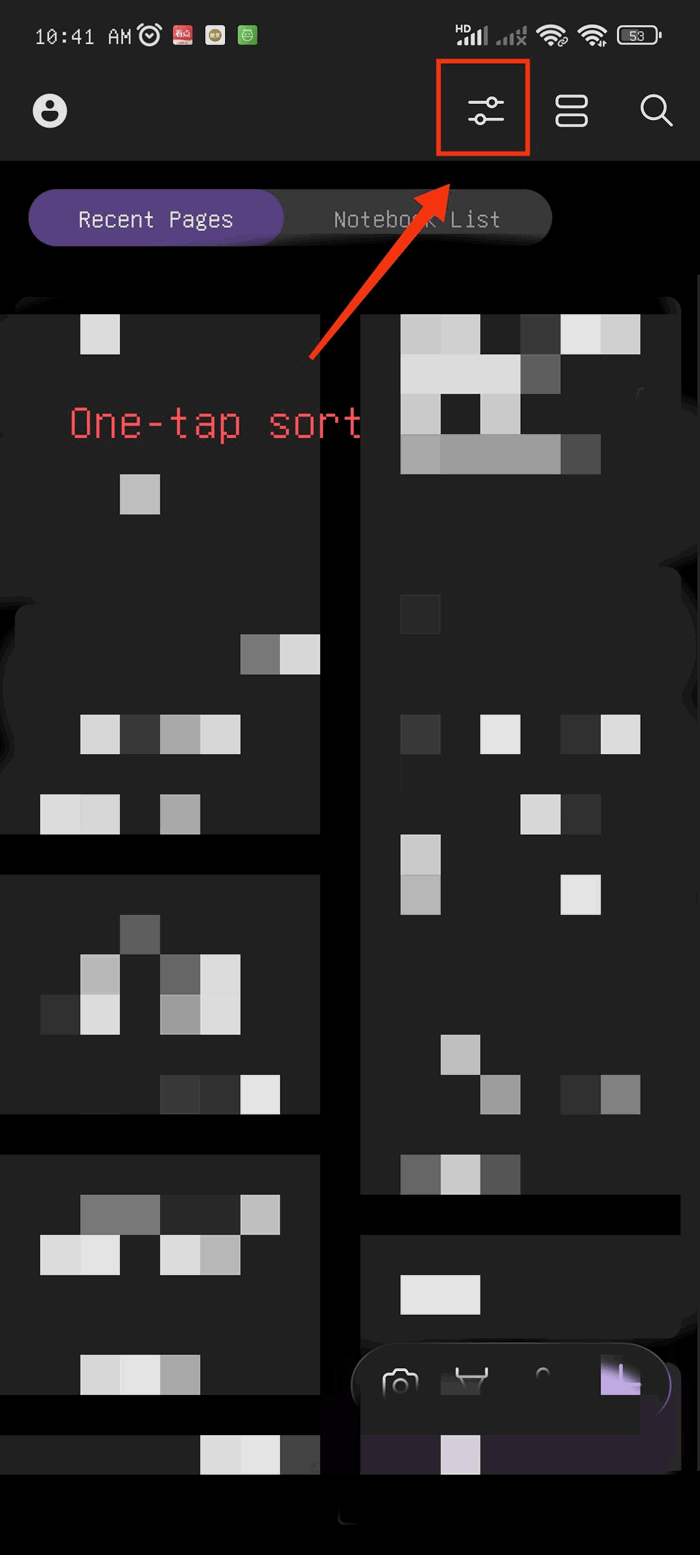
2. Tap the button and three options will pop up Sort By:
- Modified Date: the most recently modified notes are placed at the top.
- Created Date: the most recently created notes are placed at the top.
- Alphabetical Order: notes are sorted by title from A to Z.
Note: the order Ascending Descending can be switched using the arrow next to it.